English
  Spanish
  French
  Russian
  Arabic
A Comprehensive Introduction to a Fundamental Urban Safety Device.
Pedestrian Push Button Basics: Why This Device Matters in Modern Cities
Pedestrian push buttons have long been a cornerstone of signalized intersections. Although small and often overlooked, they provide an essential communication channel between pedestrians and traffic controllers. Their fundamental purpose is simple: when a pedestrian activates the device, the system recognizes the request and schedules a safe interval to cross.
To understand their significance, it is helpful to examine how these devices work and why they continue evolving.
How Pedestrian Signal Requests Work: The Communication Behind Every Crossing
A pedestrian push button functions as a request mechanism embedded in the traffic signal control system.
Key operational concepts include:
- Request Registration – When activated, the device sends an electronic message to the signal controller.
- Integration into Signal Timing – The controller inserts the pedestrian phase into the next available cycle.
- Safe Crossing Allocation – The “WALK” indication appears at a programmed time, ensuring a protected crossing.
This process provides predictable, systematic control, reducing risky crossing attempts and improving traffic flow efficiency.
Mechanical Pedestrian Buttons: How Traditional Designs Operated

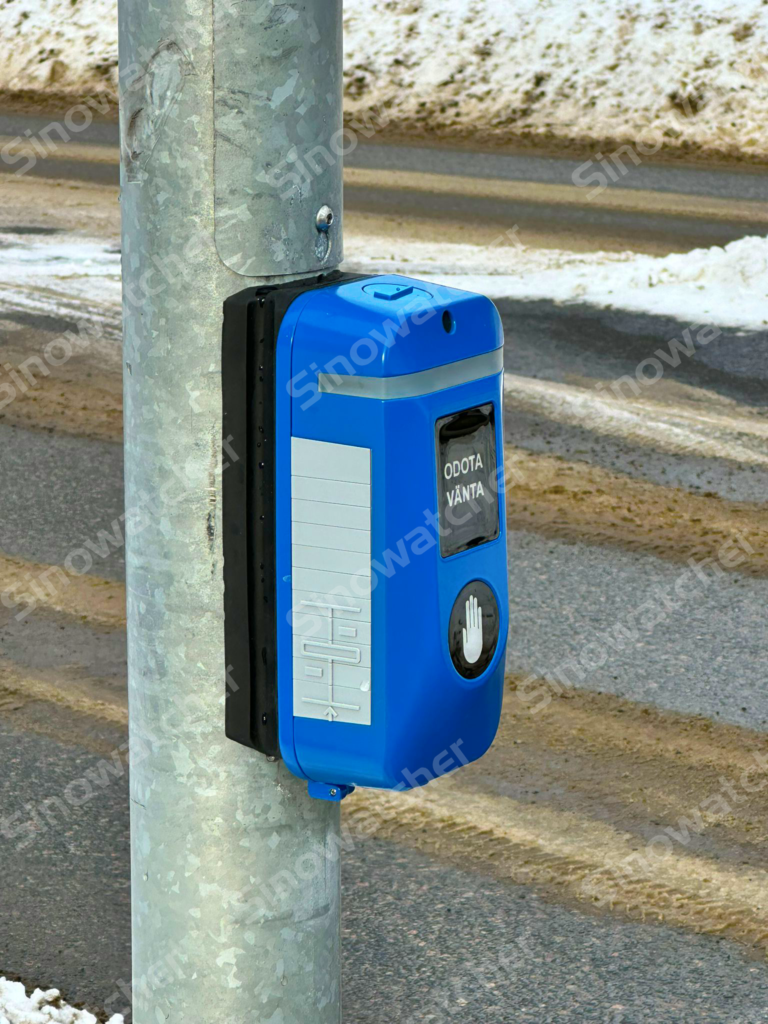
For decades, intersections relied on mechanical push buttons. These devices used internal contacts that physically moved when pressed.
Their characteristics included:
- Simple switch-based activation
- Audible or tactile feedback for accessibility
- Reliance on physical pressure and mechanical components
While historically reliable, mechanical switches are prone to wear, contamination, and vandalism. This vulnerability – combined with rising expectations for public hygiene—has accelerated the shift toward new technologies.
Accessibility Requirements: Designing for All Pedestrians

Modern cities must accommodate pedestrians of varying physical abilities. Traditional mechanical buttons present challenges such as stiff actuation force or difficult-to-reach positions.
Accessibility considerations include:
- Support for users with reduced motor abilities
- Tactile arrows and vibration feedback for visually impaired pedestrians
- Audible instructions synchronized with walk phases
These requirements helped push the development of devices that offer easier, more intuitive activation.
The Rise of Touchless Pedestrian Buttons: A New Technological Era

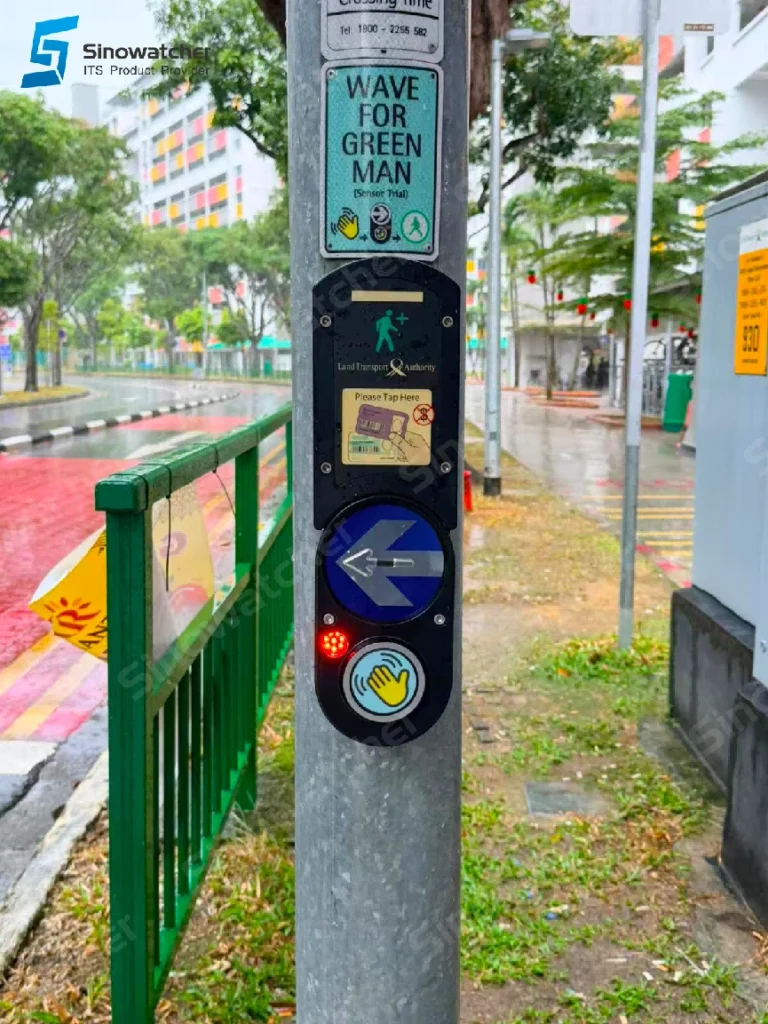
The combined limitations of mechanical buttons and the global emphasis on hygiene have led to widespread adoption of touchless pedestrian push buttons. These devices replace physical switches with sensor-based technology such as infrared proximity sensing, capacitive detection, or microwave radar.
Touchless systems offer several advantages:
- No physical contact required – A simple hand wave triggers the request.
- Fewer mechanical failure points – No moving parts means higher durability.
- Improved user experience – Activation becomes effortless and more responsive.
This evolution preserves the traditional purpose of push buttons while significantly enhancing reliability and user satisfaction.
Reducing Shared-Contact Surfaces Strengthens Public Hygiene
Pedestrian push buttons are touched by thousands of users daily. As public awareness of sanitary design grows, cities increasingly look for solutions that minimize shared-touch surfaces.
Touchless activation improves hygiene by:
- Eliminating public-contact anxiety
- Reducing potential contamination points
- Supporting health-conscious urban environments
These benefits have made touchless technology the new benchmark for pedestrian infrastructure.
A Non-Mechanical Design Delivers Higher Durability and Reliability
The shift to sensor-based systems brings substantial improvements in long-term performance.
Key durability benefits include:
- Longer operational lifespan, as internal wear no longer occurs
- Improved resistance to weather, dust, and vandalism
- Consistent activation accuracy, even after millions of uses
- Reduced maintenance needs, lowering operational costs for municipalities
The stability and resilience of non-mechanical structures make them ideal for future-proof intersection design.
Smart City Integration: Expanding the Role of Pedestrian Buttons
Touchless pedestrian buttons are increasingly part of larger smart mobility ecosystems.
Modern features include:
- Wireless configuration through Bluetooth, Wi-Fi, or mobile apps
- Automatic volume adjustment based on ambient noise levels
- Remote updates and parameter tuning
These capabilities transform pedestrian buttons from passive devices into active, intelligent components of connected transportation networks.
Sinowatcher’s Next-Generation Touchless Pedestrian Button

As a company committed to intelligent transportation innovation, Sinowatcher has developed a new-generation touchless pedestrian push button designed to meet the needs of modern cities.
Our latest model includes:
- A redesigned, aluminum housing for improved aesthetics and durability
- Integrated tactile braille and directional indicators to support visually impaired users
- Automatic noise-adaptive audio output, ensuring clear guidance in varying environments
- Vibration feedback for inclusive accessibility
- Wi-Fi-enabled customizable voice messages, allowing cities to upload localized or multilingual prompts
- Robust sensor-based touchless activation, guaranteeing reliable performance in all conditions
This upgrade reflects our commitment to safer, smarter, and more accessible pedestrian infrastructure worldwide.
Looking Ahead: Visit Us at Next Year’s Exhibition
Sinowatcher will officially showcase our new touchless pedestrian button series at next year’s Intertraffic exhibitions. Visitors will have the opportunity to experience the technology firsthand, test the touchless activation, explore configuration tools, and learn how these products can elevate smart mobility projects in their regions.