English
  Spanish
  French
  Russian
  Arabic
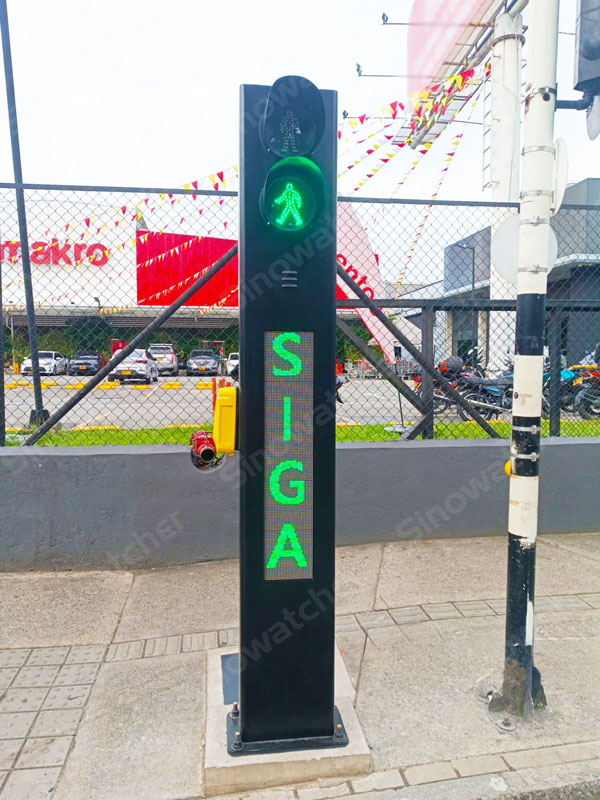
All pedestrians should be able to approach a crossing, request assistance, and cross with greater confidence. This is especially important around schools, where children may have difficulty judging traffic and pedestrians with disabilities may require additional visual, audible, or tactile support.
Effective pedestrian crossing safety requires more than road markings. Drivers need a clear indication when a crossing is active, while pedestrians need an accessible and reliable way to request the warning before entering the roadway.
Pedestrian crossing lights, accessible push buttons, flashing warning beacons and coordinated controls can help create a more visible and inclusive crossing environment.
Why Do School Crossings Need Active Pedestrian Warnings?
A painted crosswalk identifies where pedestrians should cross, but it does not tell drivers whether someone is currently preparing to enter the road.
Active warning systems respond to real pedestrian demand. When a crossing request is made, the equipment can alert approaching drivers before the pedestrian steps onto the roadway.
This is particularly useful:
- During busy school arrival and dismissal periods.
- At unsignalized crossings.
- At night or in poor weather.
- Where parked vehicles reduce visibility.
- At locations used by children.
- At crossings used by pedestrians with disabilities.
How Does a Pedestrian Crossing Light Improve Visibility?
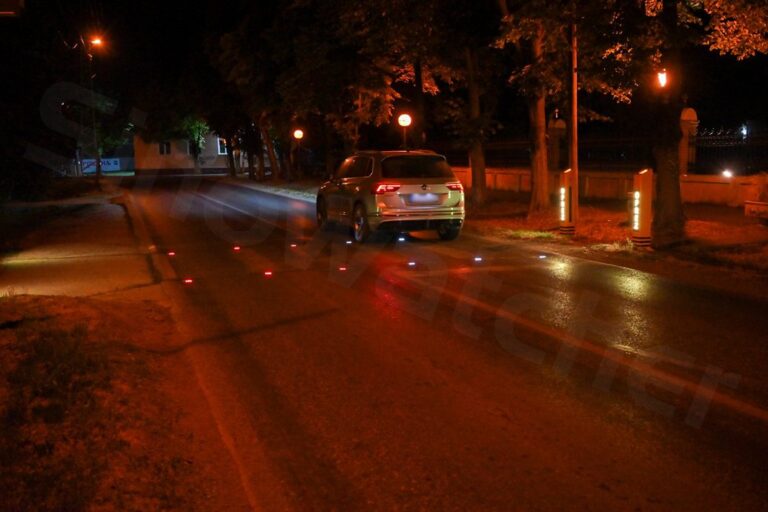
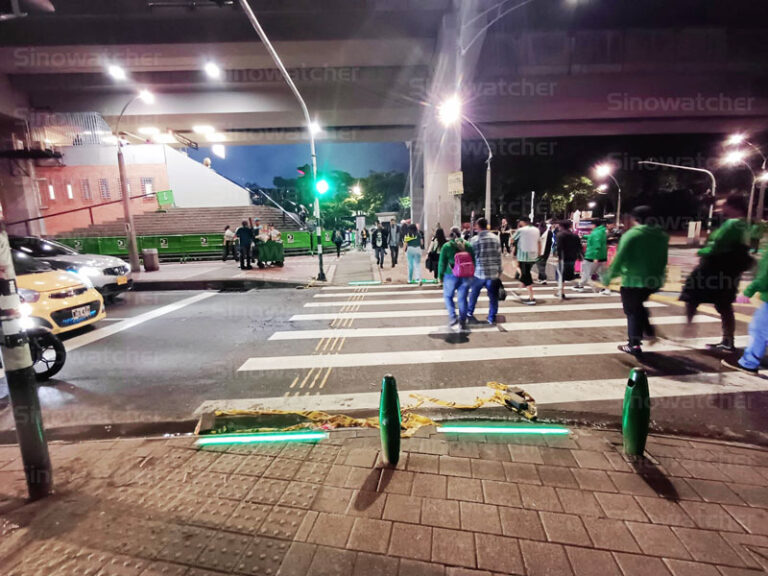
A road-level pedestrian crossing light brings the warning into the driver’s normal field of vision.
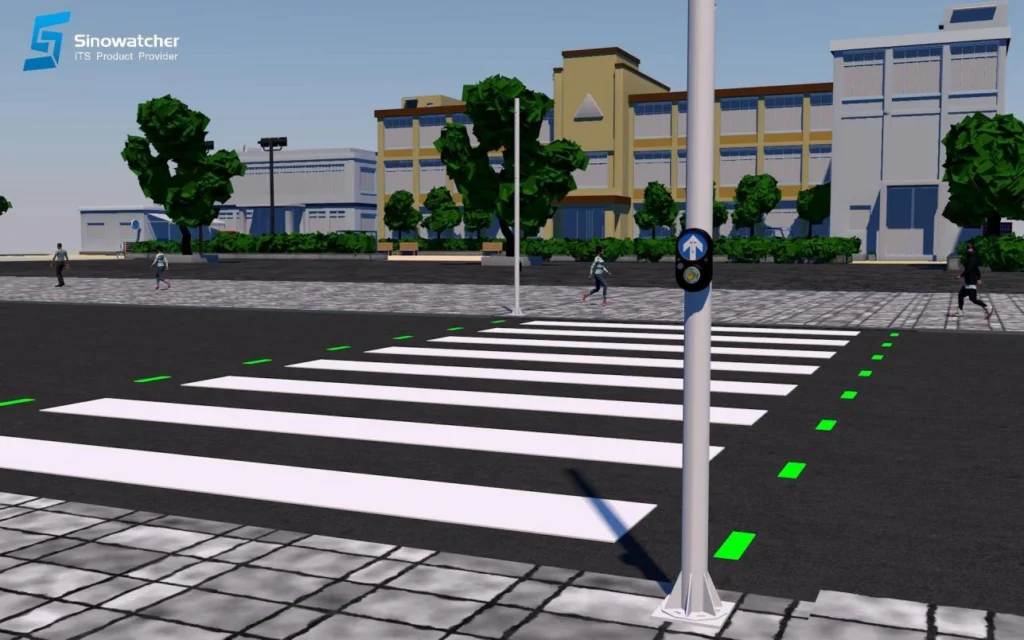
Embedded LED brick lights or illuminated pavement markers can be installed:
- Along the vehicle approach.
- Around the crosswalk.
- At the crossing edges.
- Near pedestrian waiting areas.
When activated, the lights enter a warning mode to highlight the crossing and attract driver attention.
A pedestrian crossing light can help:
- Make the crosswalk easier to identify.
- Improve visibility at night.
- Strengthen awareness during rain or poor weather.
- Indicate that a pedestrian request is active.
- Reinforce roadside signs and flashing beacons.
- Visually define the pedestrian route.
This solution is particularly suitable for unsignalized crossings where a complete traffic signal system may not be required.
How Does a Pedestrian Push Button Activate the Crossing?
A pedestrian push button allows users to request the crossing warning before entering the roadway.
A typical operating sequence includes:
- The pedestrian activates the push button.
- The system registers the request.
- The button provides visual, audible, or tactile confirmation.
- Flashing warning beacons activate.
- Pedestrian crossing lights begin flashing.
- Approaching drivers slow down and prepare to yield.
- The system returns to normal after the programmed warning period.
On-demand activation connects the warning directly to pedestrian activity. It also helps prevent warning devices from operating continuously when no one is crossing.
What Types of Pedestrian Push Buttons Are Available?
Different push-button technologies can be selected according to the project, environment, and accessibility requirements.
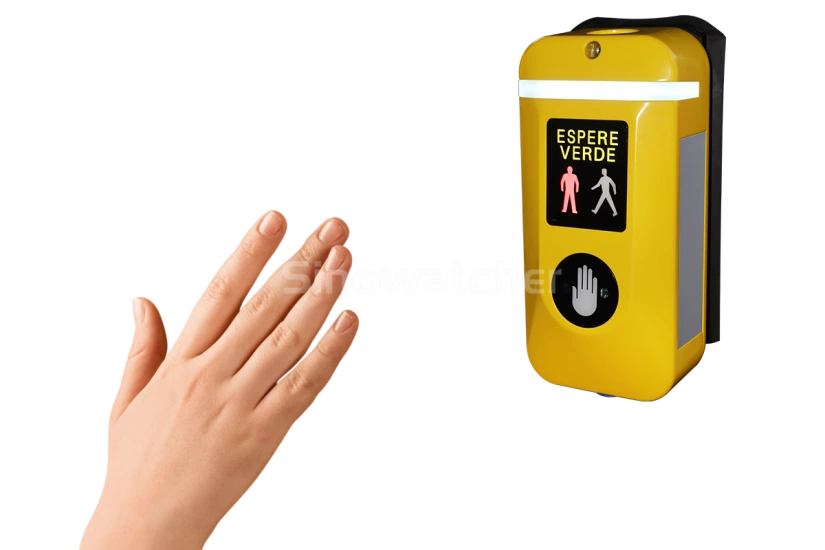
Contactless pedestrian push buttons
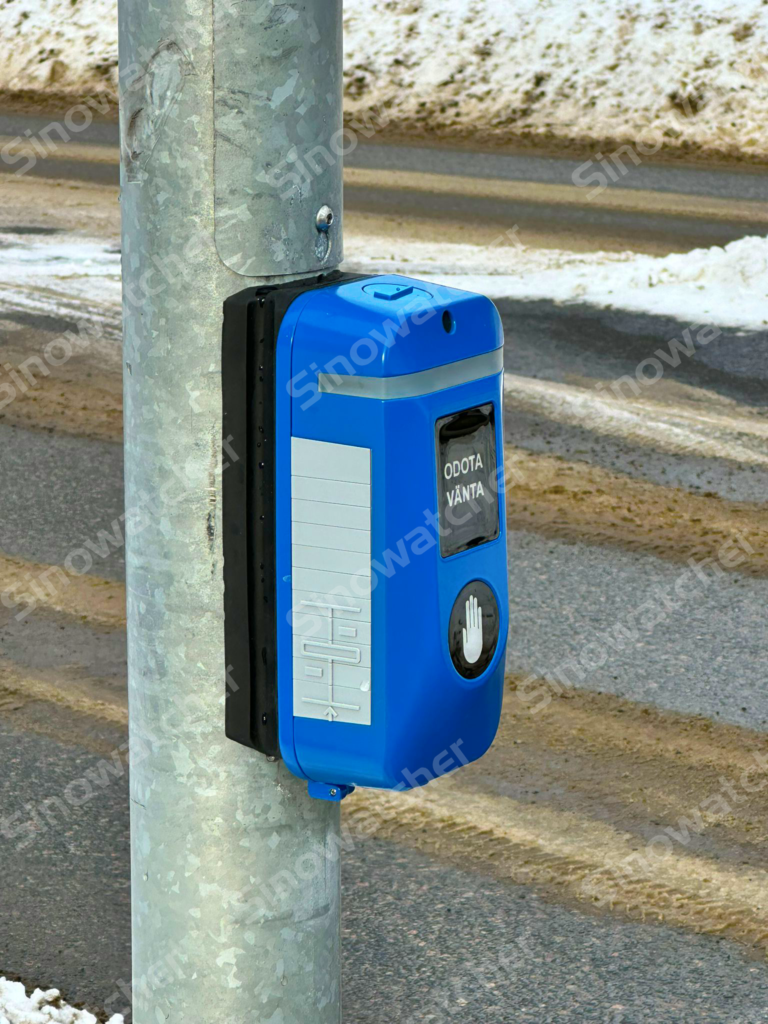
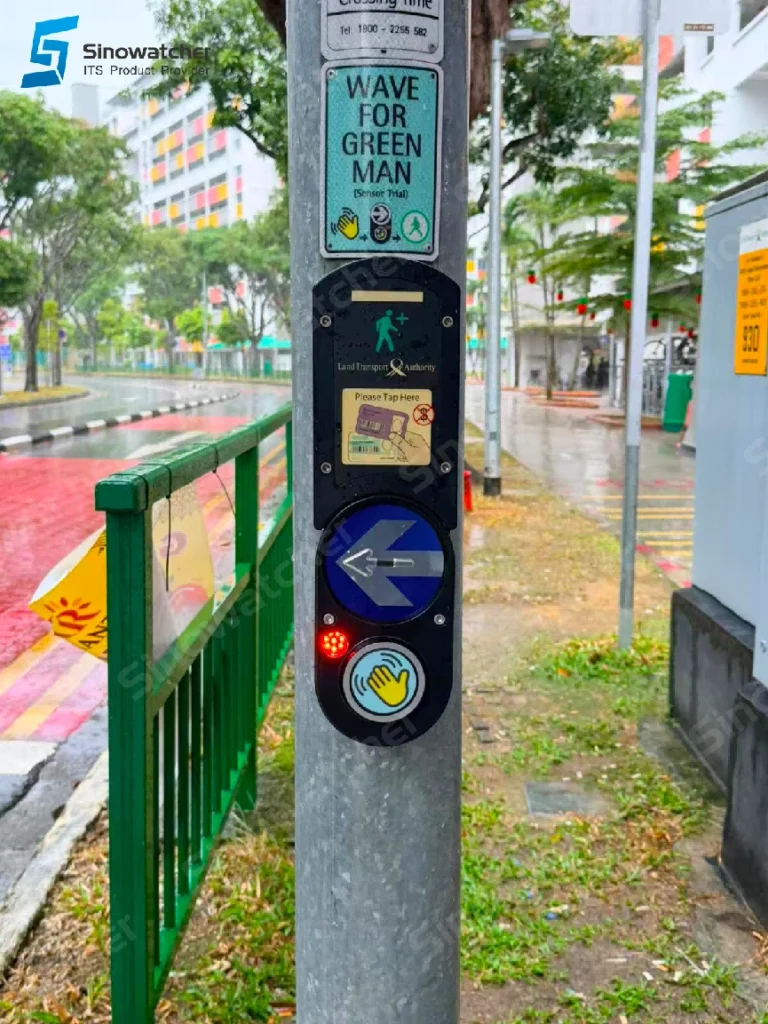
A contactless pedestrian push button detects intentional hand movement without requiring the user to press a physical switch.
It can provide:
- Convenient activation.
- Reduced physical contact.
- Lower dependence on moving parts.
- Visual request confirmation.
Mechanical backup activation on selected models.
Mechanical pedestrian push buttons
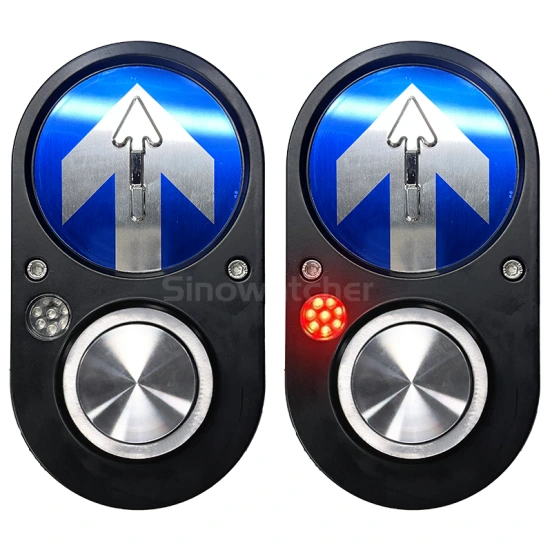
A mechanical pedestrian push button provides a familiar physical interface that the user presses to register a crossing request.
It can provide:
- Clear physical activation.
- A familiar user experience.
- Reliable request input.
- Visual, audible, or vibration confirmation.
- Durable outdoor operation.
Dual-activation pedestrian push buttons
Some systems combine contactless detection with a mechanical backup.
This configuration provides greater flexibility for different users and operating conditions. It also ensures that a second activation method remains available when required.
How Do Accessible Push Buttons Support Pedestrians with Disabilities?
An accessible pedestrian push button can provide additional guidance for people with visual or hearing impairments.
Depending on the configuration, it may include:
- Audible request confirmation.
- Locator sounds.
- Adaptive sound levels.
- Tactile directional arrows.
- Braille.
- Vibration feedback.
- Visual confirmation lights.
- Different feedback patterns for crossing phases.
Audible guidance can help visually impaired users locate the crossing interface and confirm that the request has been received.
Tactile arrows can identify the crossing direction, while vibration feedback can communicate information without relying only on sight or hearing.
These functions make the crossing system more usable for a wider range of pedestrians.
How Do Crossing Lights, Push Buttons and Beacons Work Together?
The strongest safety benefit comes from connecting the individual products through one control system.
When a pedestrian requests to cross:
- The pedestrian push button registers the request.
- Visual, audible, or vibration feedback confirms activation.
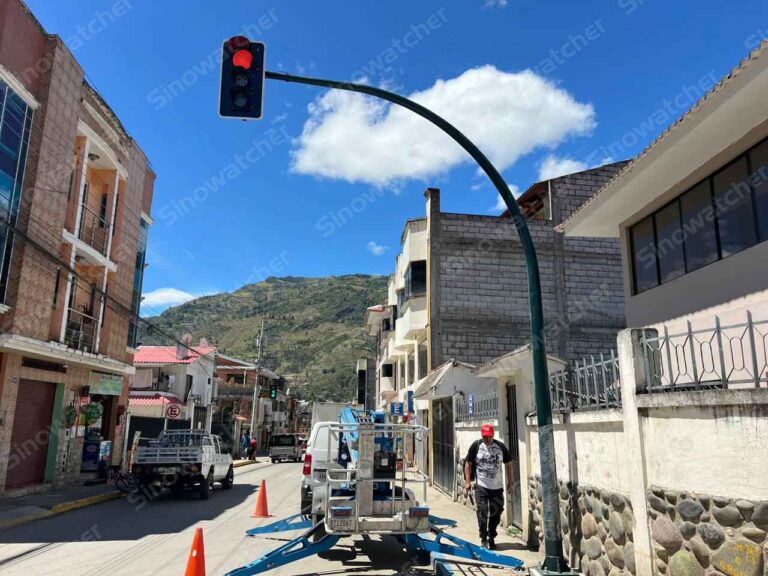
- Flashing warning beacons alert approaching drivers.
- The pedestrian crossing lights enter warning mode.
- Drivers receive both roadside and road-level warnings.
- The system remains active for the programmed crossing period.
- The warning devices return to normal operation.
This coordinated sequence creates a direct connection between pedestrian demand and driver warning.
How Can a Speed Limit Sign with Radar Support the Crossing?
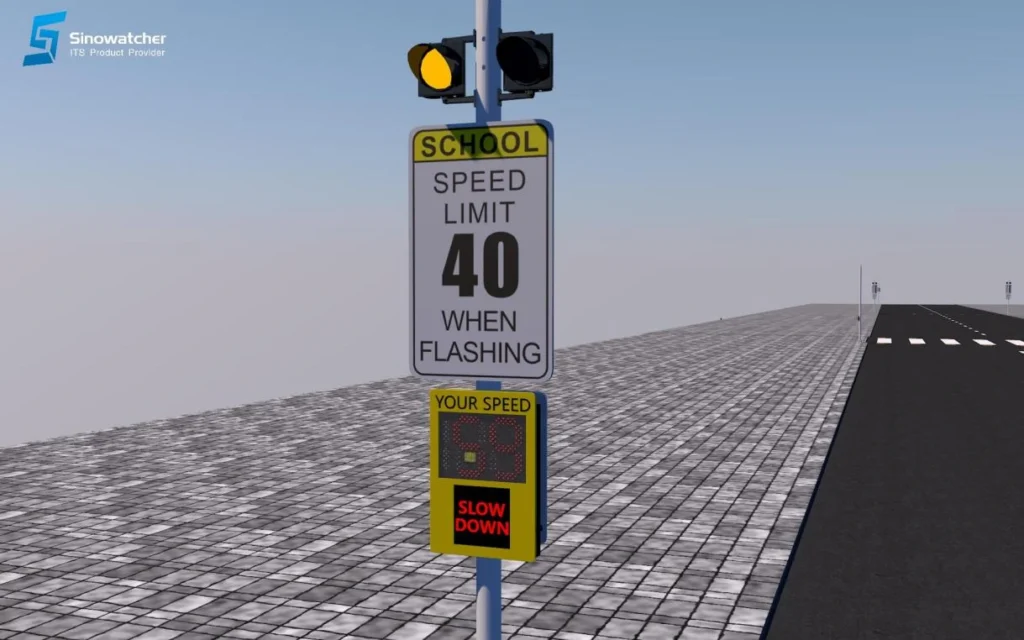
A speed limit sign with radar can be integrated with the pedestrian warning system to manage approaching vehicle speed.
If the radar detects an overspeeding vehicle:
- The detected speed appears on the display.
- A warning message, symbol, or facial expression activates.
- Flashing warning beacons begin operating.
- The pedestrian crossing light can enter warning mode.
- Drivers receive additional alerts before reaching the crosswalk.
By combining speed detection with pedestrian activation, the system addresses both excessive vehicle speed and active pedestrian movement.
What Are the Best Practices for Designing an Accessible Crossing?
The final solution should reflect the road layout, pedestrian volume, accessibility needs, and local operating conditions.
Important design considerations include:
- Position the push button within the pedestrian waiting area.
- Provide a clear and accessible activation surface.
- Confirm that the crossing request has been registered.
- Use audible, tactile, or vibration feedback where required.
- Clearly define the crossing path.
- Coordinate the push button with beacons and crossing lights.
- Set an appropriate warning duration.
- Ensure the system resets automatically.
- Select weather-resistant outdoor equipment.
- Regularly inspect buttons, lights, audio, and controller operation.
Accessibility should be considered as part of the complete crossing design rather than added as an isolated product feature.
Can Solar Power Support Pedestrian Crossing Equipment?
Solar power can support selected pedestrian warning devices where grid power is unavailable.
Depending on the configuration, it may power:
- Flashing warning beacons.
- Wireless pedestrian push buttons.
- Control and communication equipment.
- Selected roadside crossing lights.
The solar system should be designed according to the equipment load, daily operation, sunlight conditions and required autonomy.
For embedded LED crossing lights, the final power and control configuration should be assessed according to the road layout and total system consumption.
Building a More Inclusive Pedestrian Crossing
Effective Pedestrian Crossing Safety depends on clear communication between pedestrians and drivers.
A pedestrian crossing light makes the crosswalk more visible, while contactless and mechanical pedestrian push buttons allow users to activate the warning before entering the road.
Audible, tactile, Braille and vibration features can improve accessibility for pedestrians with visual impairments and other disabilities.
When push buttons, flashing beacons and crossing lights work through one controller, the system creates a clear safety sequence:
Request the crossing, confirm the activation, warn the driver and support the pedestrian.
Sinowatcher provides configurable pedestrian crossing solutions, including contactless and mechanical push buttons, accessible feedback options, flashing warning beacons, LED brick crossing lights and control equipment.

FAQ:
What is Pedestrian Crossing Safety?
Pedestrian crossing safety refers to the signs, road markings, warning equipment and control technologies used to help pedestrians cross and encourage drivers to respond safely.
What is a pedestrian crossing light?
A pedestrian crossing light is an active visual warning system that improves crosswalk visibility through embedded LED lights, illuminated pavement markers or roadside warning devices.
What is a pedestrian push button?
A pedestrian push button allows pedestrians to activate a crossing warning before entering the roadway.
What is the difference between contactless and mechanical push buttons?
A contactless button detects intentional movement without requiring physical pressure. A mechanical button uses a physical switch that the pedestrian presses.
Can one pedestrian push button include both activation methods?
Yes. Some models combine contactless activation with a mechanical backup.
How do accessible push buttons help visually impaired pedestrians?
They can provide audible guidance, tactile arrows, Braille, visual confirmation, and vibration feedback.
Can pedestrian push buttons activate crossing lights?
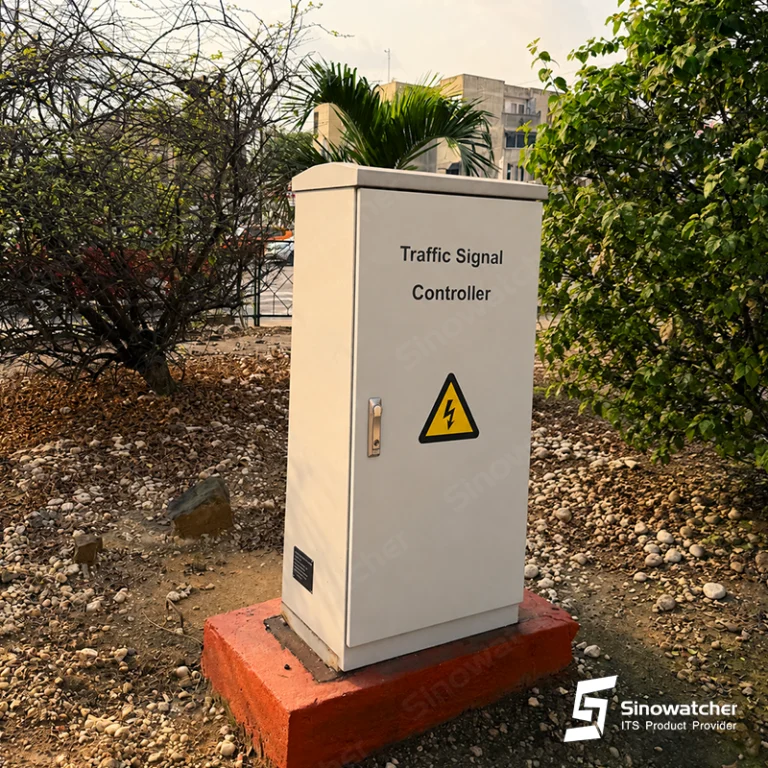
Yes. Push buttons can connect to a controller that activates the pedestrian crossing lights and flashing warning beacons.
Can the system connect to a speed limit sign with radar?
Yes. The push button, crossing lights, beacons, and speed limit sign with radar can operate through one coordinated control system.