English
  Spanish
  French
  Russian
  Arabic
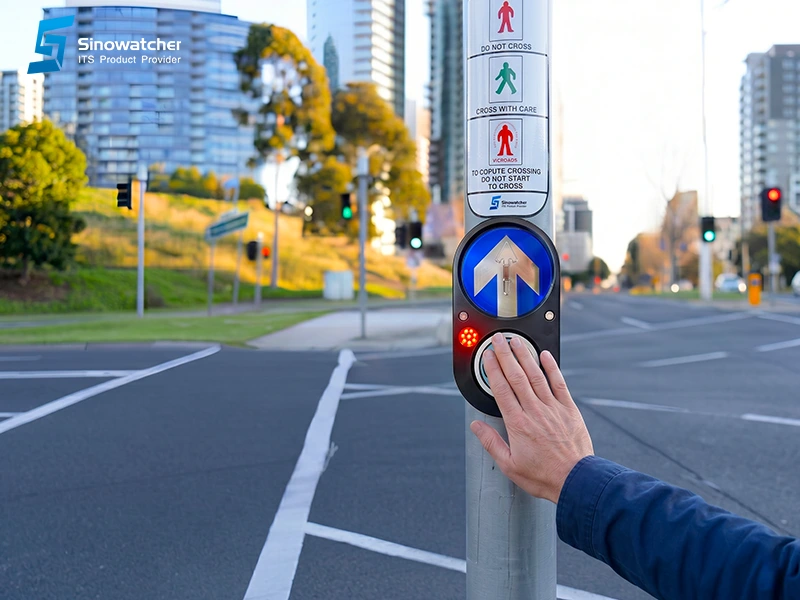
At an urban intersection, every second of green time matters. For traffic engineers, system integrators, and city mobility departments, signal timing is not only a matter of assigning seconds to vehicles and pedestrians. It is a matter of deciding how the intersection should respond to real conditions throughout the day. That is why one technical question should be considered in many traffic signal projects: does it make sense to activate a pedestrian phase in every cycle, even when no pedestrians are waiting?
In many intersections, pedestrian phases are programmed as part of a fixed cycle. This can be useful in areas with constant pedestrian movement, such as school zones, transport terminals, commercial streets, or downtown areas. However, in locations where pedestrian demand is intermittent, activating the pedestrian stage in every cycle may reduce the efficiency of the vehicular flow. It can increase waiting time, affect coordination along a corridor, and create unnecessary interruptions, especially when the pedestrian crossing is only required at specific moments of the day.
The Xentra Push Button offers a smarter way to manage this situation. It is not just a pedestrian push button; it is an interface between the pedestrian and the traffic controller, designed to activate the pedestrian crossing only when there is a real request. In this way, the system can maintain smoother vehicle operation when there is no pedestrian demand, while still providing a safe crossing opportunity when the user needs it.
The use of pedestrian request mode helps balance two objectives that often seem to compete with each other: vehicle priority and pedestrian safety. When there is no pedestrian call, the controller can maintain a more efficient traffic flow strategy. When a request is registered, the intersection can respond according to its programmed logic, enabling the pedestrian phase in a safe and controlled manner. This approach does not remove pedestrian priority; it manages it more intelligently, based on real demand.
The real advantage becomes even stronger when this function is combined with time-of-day strategies. During peak hours, the intersection may prioritize coordinated vehicle flow and reduce unnecessary interruptions, particularly on main roads or synchronized corridors. During off-peak periods, nighttime operation, weekends, or lower-traffic hours, the Xentra Push button can enable pedestrian calls on demand, helping protect pedestrians without significantly affecting road capacity. As a result, the intersection does not operate in the same rigid way all day; it adapts better to real traffic conditions.
This flexibility is important because cities are not static. The same intersection can behave differently at 8:00 a.m., 2:00 p.m., and 10:00 p.m. A crossing near an office area may have strong pedestrian activity during lunch hours but very low demand at night. A road near a residential area may need stronger pedestrian support in the evening, while a main avenue may require more stable progression during commuting hours. With the right controller logic, the Xentra Push Button can become part of a more responsive signal operation strategy.
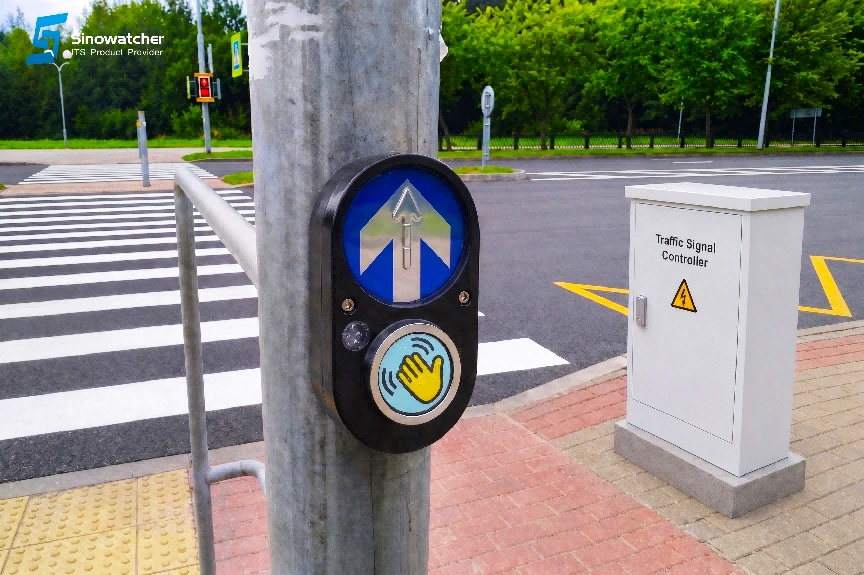
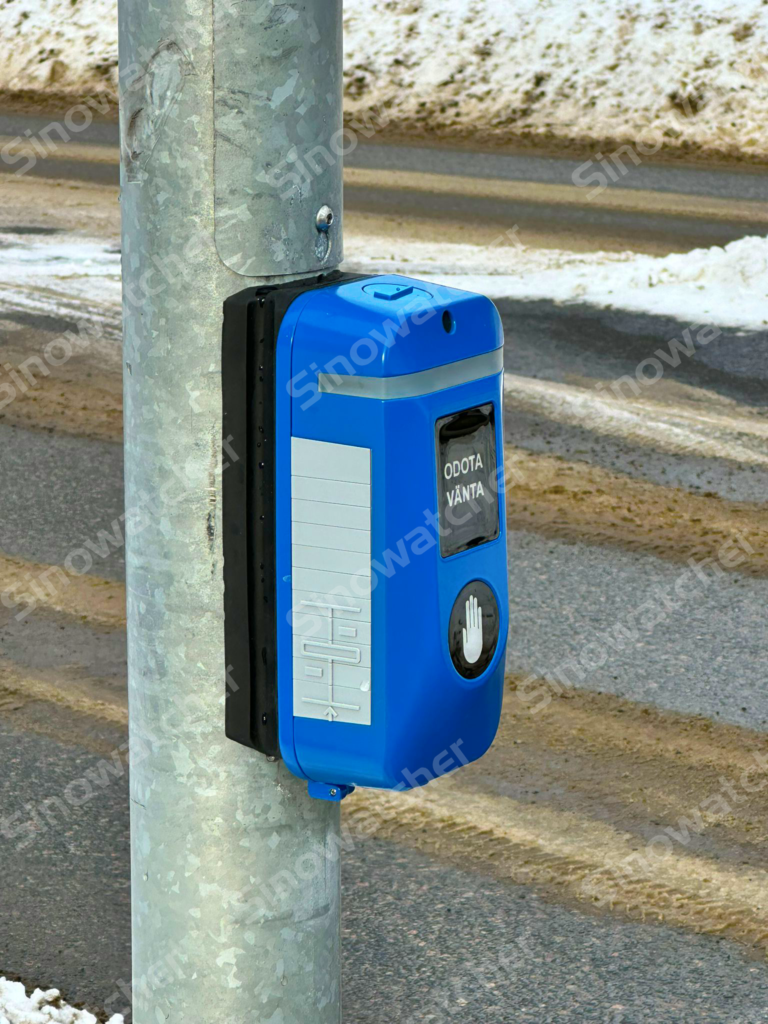
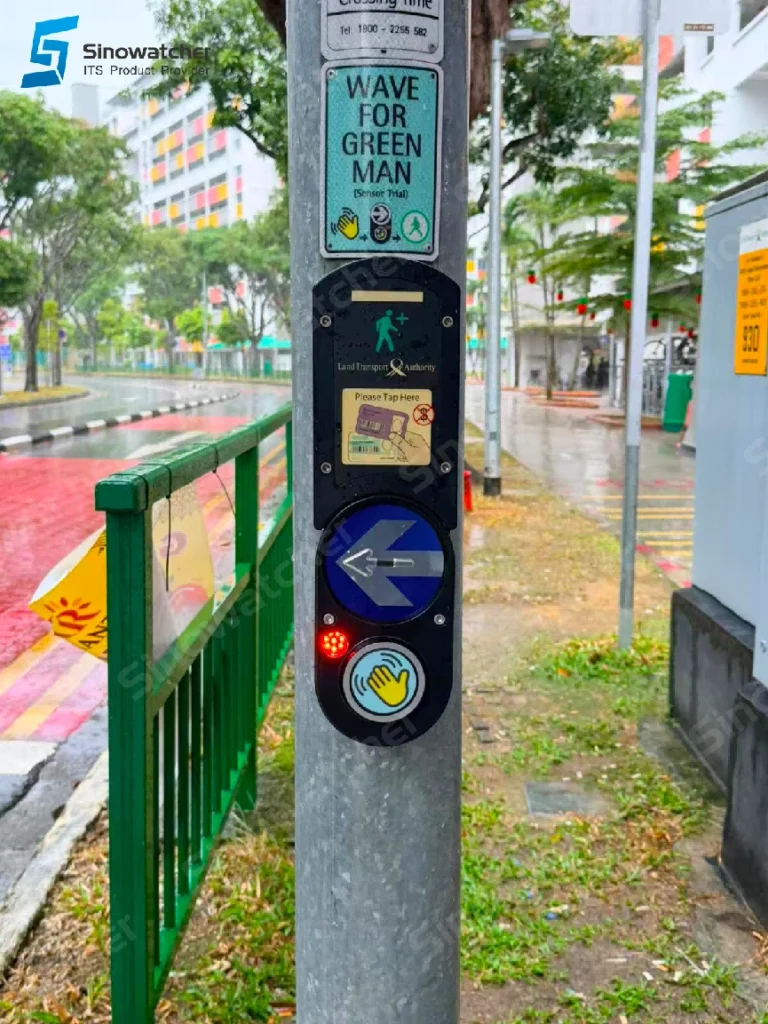
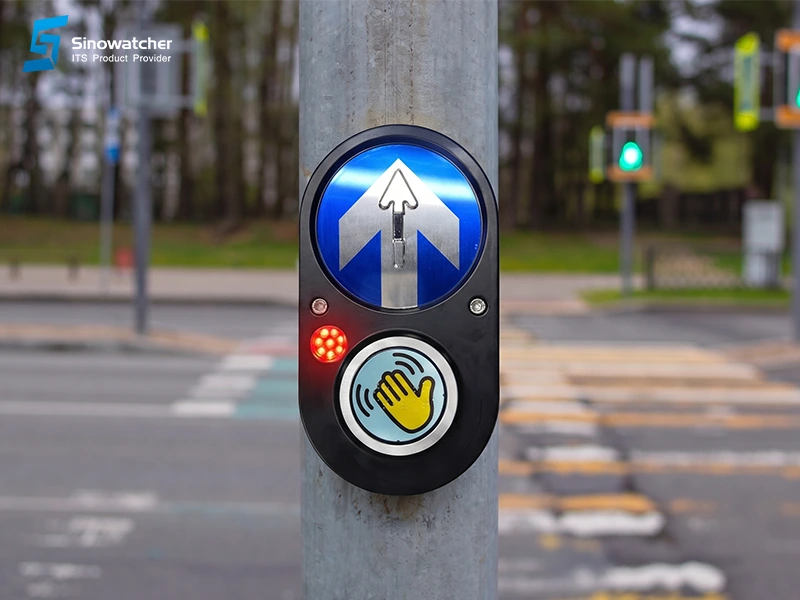
A modern pedestrian push button must also create confidence for the user. Pedestrians need to know that their request has been received, that they should wait, and that the system is responding. If there is no clear confirmation, users may press repeatedly, become uncertain, or decide to cross unsafely. For this reason, the Xentra Push Button integrates contactless activation, audible confirmation, a red LED request indicator, an embossed directional arrow, a tactile braille cover, die-cast aluminum housing, and IP65 protection for outdoor use. It also supports adjustable detection distance from 5 cm to 15 cm, allowing easier adaptation to different installation conditions.
These features are not only product details; they are part of the pedestrian experience. Contactless activation improves convenience and reduces the need for physical interaction. Audible confirmation helps users understand that the request has been accepted. The red LED indicator provides visual feedback. The embossed directional arrow supports orientation at the crossing point. The tactile braille cover and vibration feedback contribute to accessibility for users with low vision or visual impairment. Together, these functions transform the device from a simple input point into a clear guidance interface.
From an integration perspective, the Xentra Push Button is designed to work with traffic controllers through a normally open dry contact output, and it can operate in pre-timed or semi-actuated schemes depending on the controller logic. This makes it a practical solution for both simple crossings and more advanced intersections where phases, calls, priorities, and operating schedules must be managed. For integrators, this is especially relevant because the product can be incorporated into different project requirements without forcing a complex redesign of the entire signal system.
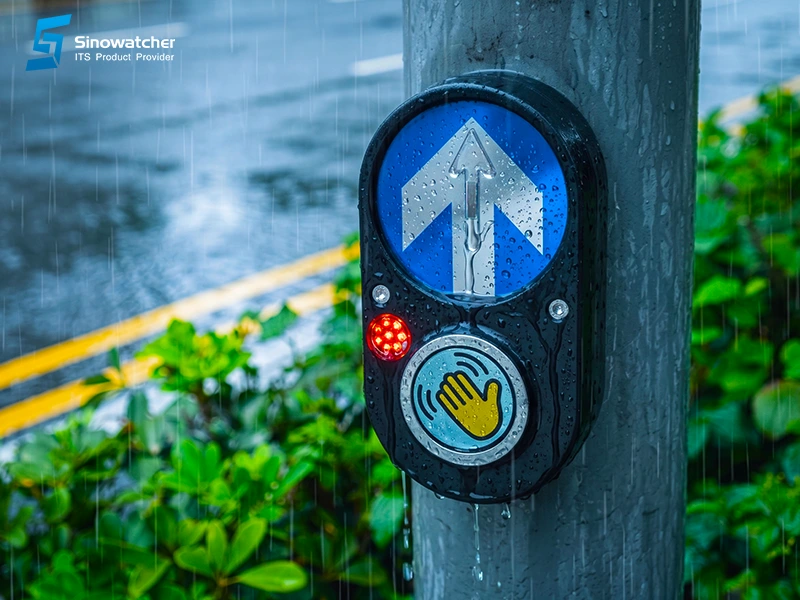
During commissioning, the system can verify gesture detection within 5 to 15 cm, audible confirmation after the request, red LED activation when the controller confirms the call, and tactile vibration during the walk stage. These visual, audible, and tactile signals help reduce pedestrian uncertainty and improve accessibility for users with low vision or visual impairment. They also help maintenance teams validate that the device is not only powered, but correctly interacting with the controller and the pedestrian signal logic.
In the end, the question for engineers, integrators, and traffic departments should not only be how much time to assign to pedestrians, but how to make each pedestrian call meaningful within the real operation of the road. Should every pedestrian phase be activated in every cycle? Could the intersection operate better if it responded to real demand? Are we giving pedestrians clear confirmation that their request has been registered? Can the same intersection behave differently during peak hours, off-peak hours, and nighttime operation?
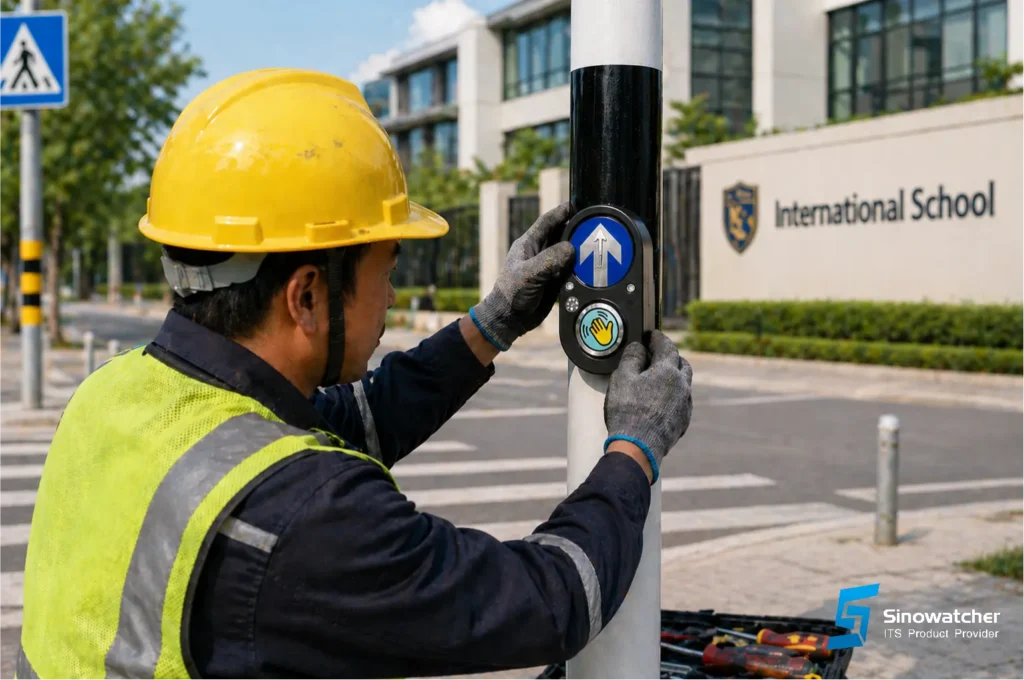
The Xentra Push Button helps answer these questions with a simple, robust, and flexible solution: vehicle priority when traffic flow requires it, pedestrian safety guidance always!
Because a smarter city does not always need more complexity. Sometimes, it needs better points of contact between people and infrastructure, and better tools to help each intersection respond to the real needs of the road.